Shutter…Evolve

Photography Tutorials

Search Results for: colour

Tutorial – Complex Luminosity Masks Made Easy With InstaMask in Photoshop

 Tutorial – Complex Luminosity Masks Made Easy With InstaMask in Photoshop In this latest InstaMask tutorial, I show you two ways of using luminosity masks – one simple method for exposure blending, and another, more complex method for targeting a very narrow range of tones. As you’ll see, luminosity mask functions are extremely simple in […]

Raya Pro Tutorial

Raya Pro video tutorials can be found by clicking the desired link below or you can download the PDF manual below Hub Tutorial Dodge & Burn CC InstaMask CS6 InstaMask Precision Masks Quick blending Colour Centre Finish and Filters Click to Download the Raya Pro PDF Manual

Raya Pro vs InstaMask – What is the Difference?

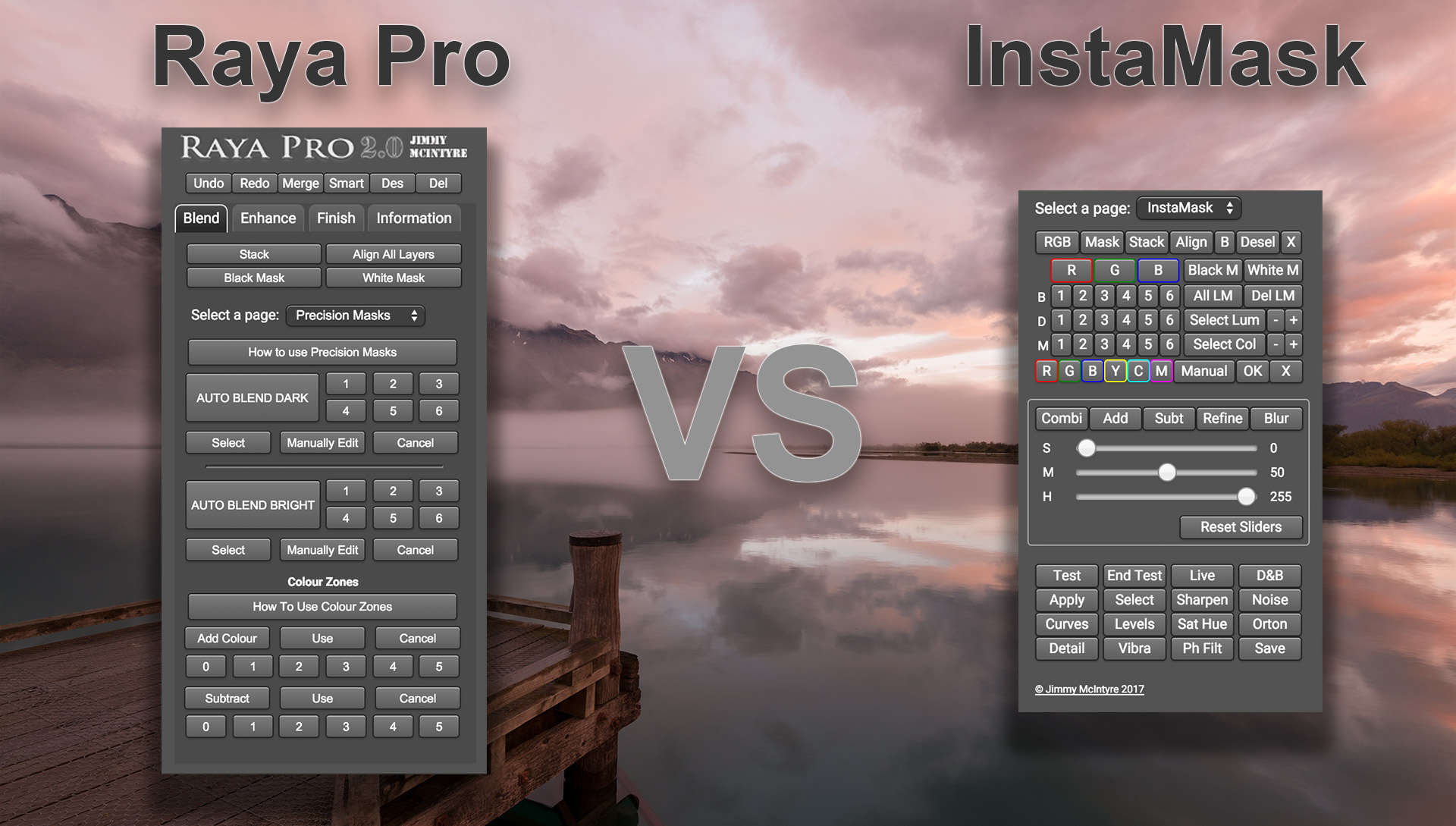
Raya Pro vs InstaMask – What is the Difference? Since the release of InstaMask, I’ve receive a few emails asking about the differences between InstaMask and Raya Pro. In this video I demonstrate the main strengths of each panel and how they differ. Essentially, Raya Pro is a total workflow panel. It has everything for […]

InstaMask Support Page

Want to download Raya Pro 5.0? Existing customers can log in to their account and download the latest version of Raya Pro. Please read the log in instructions first: https://www.shutterevolve.com/raya-pro-user/ Support Page for InstaMask Contents: 1. When I press Test, End Test, Apply etc. I get the error ‘Command Select not available. 2. InstaMask is […]

Introducing InstaMask – A Powerful Luminosity Mask Panel

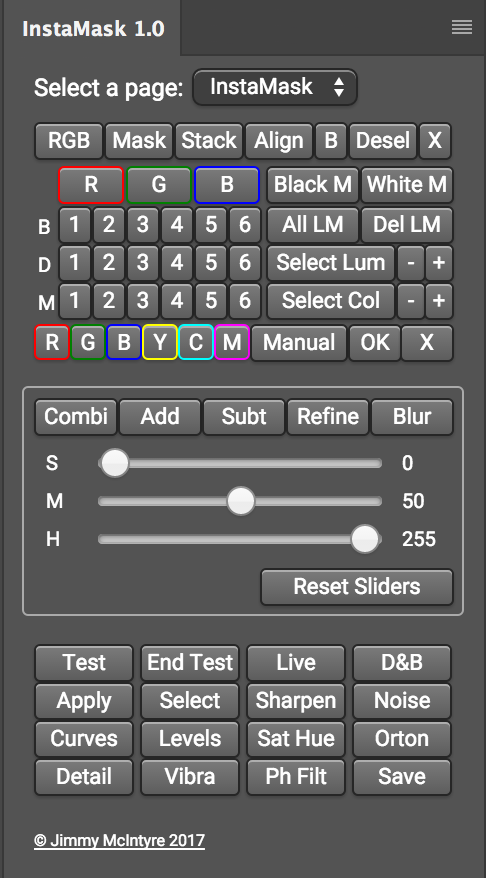
Introducing InstaMask – A Powerful Luminosity Mask Panel Download the panels here: https://www.shutterevolve.com/raya-pro-the-ultimate-digital-blending-workflow-panel-for-photoshop/ I’m delighted to announce that we will be releasing a fantastic new panel that will make luminosity masks and exposure blending easier than ever. InstaMask will allow you to create and craft any mask to suit your needs with just a few […]

Scroll to top