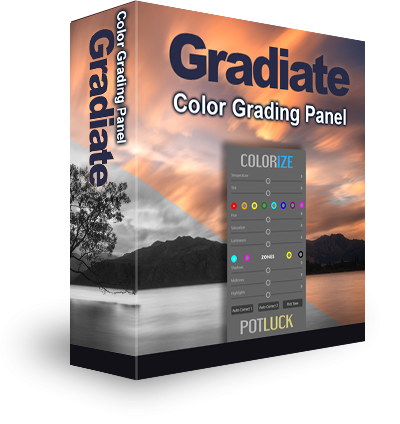
Gradiate Is Here For Existing Users To Download
Please read all the text below if you wish to install this CEP version of Gradiate.
We’re pleased to announce the release of the CEP version of Gradiate. This is exactly the same as the current UXP version (a slight difference in appearance), but works in older versions of Photoshop CC as well as the most recent version of Photoshop CC. If you already have Gradiate installed in your Photoshop, then you do not need this download.
If you had problems installing Gradiate initially, or have an earlier version of Photoshop, please download and install this version.
How to Download the Latest Version
- This update, like all updates, is completely free to you.
- This is not compatible with CS6 or CS5.
- Scroll down for the download links to Gradiate.
- In the downloaded file, you will find the CEP version in the folder named ‘Old CC 2018-2020′ when you go into the ’01. Installation’ folder.
- This is compatible with Mac and Windows.
- Windows users, after downloading Gradiate, you must unzip the file before installing it.
- If the main download link doesn’t work, please try the alternative link below that. If neither work, please try a different internet browser, like Firefox, Chrome, Safari etc.
There are detailed written installation instructions included in your download as well as video instructions for both Mac and Windows.
Gradiate Download Link
Updated version released 27th Januar 2021
Link not working? Please try a different internet browser, like Firefox, Chrome, Safari etc.
To go directly to any of our products, simply click on the image below.